Introduction — Why this guide matters
Verification loses revenue.
Insurance and Benefit Verification, Revenue Cycle Management, RCM errors are a fast route to claim denials, patient anger, and lost cash.
This guide shows a four-part RCV model, a practical verification workflow, common mistakes with fixes, and a 30-day pilot checklist you can run immediately.
Why insurance and benefit checks matter
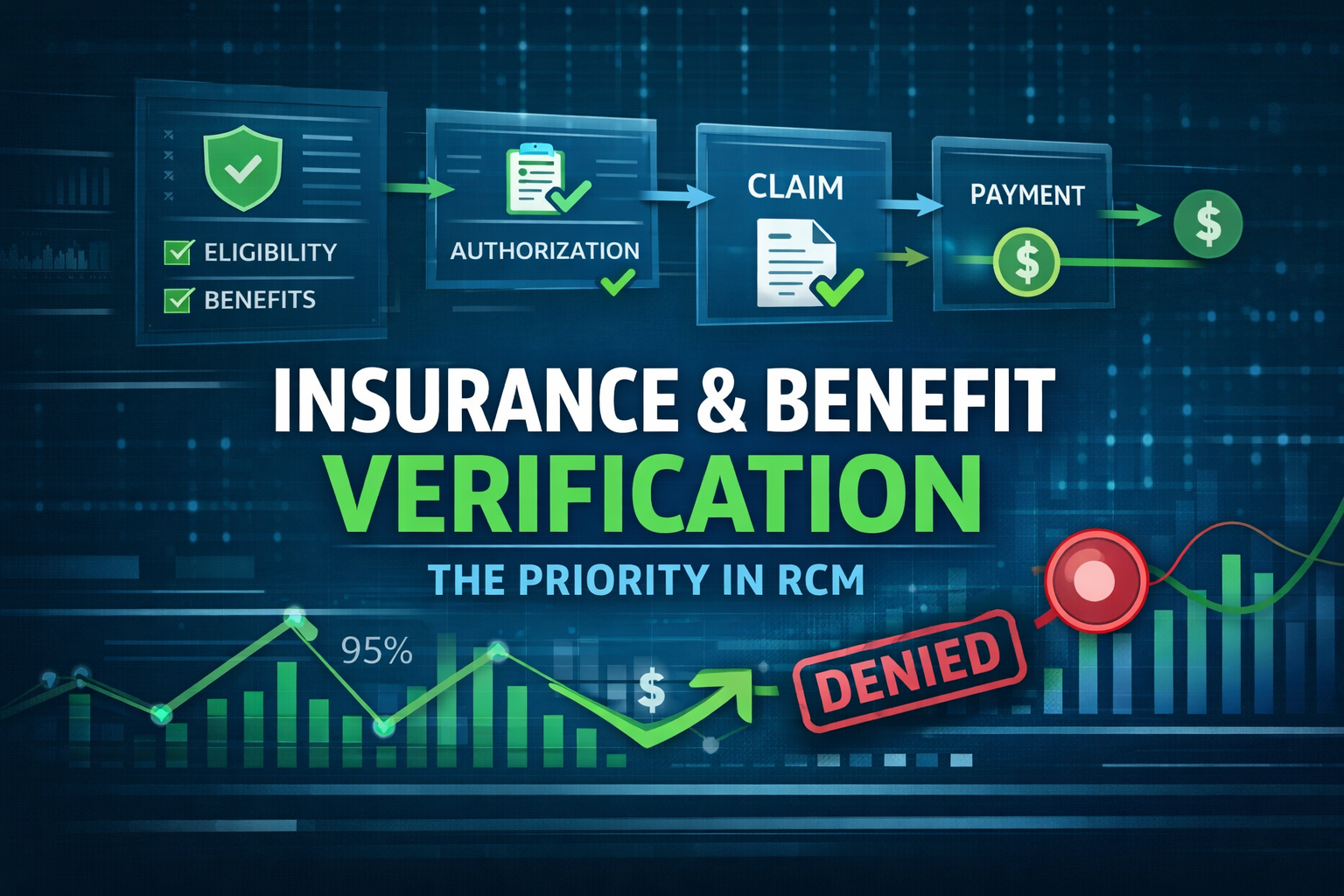
Checks at intake decide whether a claim gets paid, delayed, or denied. When a front-desk clerk types the wrong subscriber ID or a scheduler skips a prior-authorization check, the claim often fails at adjudication. Verification affects eligibility, authorizations, deductible tracking, and claim routing.
Denials cost real dollars. Industry reporting highlights rising denial rates and billions lost nationwide, which makes verification an urgent priority (Becker’s Hospital Review). Payer-specific denial patterns are changing too; track those trends to spot systemic issues (Becker’s/Kodiak data).
Operationally, failed checks mean rework, longer A/R days, and a deluge of patient billing calls. One error can ripple: a missed authorization triggers appeals, staff overtime, and patient complaints. Regulators are tightening expectations on provider-directory accuracy, so inaccurate provider listings can lead to audits (CMS QHP Directory Pilot).
Measure ROI by establishing baselines: record your current denied-claim rate, average days in A/R, and patient balance complaints. Those numbers tell you whether verification changes actually move the needle.
The RCV model — Four verification parts
Use this RCV model as your playbook. It breaks verification into intake capture, coverage checks, authorization confirmation, and reconciliation.
Part 1 — Record intake and capture
Standardize intake fields so payer IDs, subscriber name, relationship, DOB, and plan type are required. Make those fields mandatory in your EHR templates. Validate captured IDs against payer portals or a clearinghouse 270/271 lookup at intake when possible. Put a short front-desk script at check-in to reduce missing data and mistakes.
Example script for the front desk: “Hi, this is Jenna confirming your insurance for Monday. Can I read the subscriber name and member ID on your card?”
For implementation guidance, Tebra has useful front-desk phrasing and timing tips (Tebra tips).
Part 2 — Coverage and benefit checks
Confirm active coverage, deductible balances, copays, and whether specific services need prior authorization. Map common CPT or DRG codes to plan benefit rules to flag non-covered services early. Use payer policy pages or vendor eligibility APIs to get current plan rules.
Technical teams can reference X12 guidance when building automated checks (ASC X12 270/271 overview). Vendors like Availity and Change Healthcare offer real-time eligibility tools you can integrate into registration workflows (Availity eligibility, Change Healthcare).
Part 3 — Authorization and benefit confirmation
Secure authorizations before services when required. Record authorization numbers, dates, and any service limits. Build a two-step confirmation process: initial authorization at scheduling and a recheck 48–72 hours before the appointment. Integrate authorization fields into scheduling and EHR workflows so appointments can’t proceed without approvals.
For automating prior auths, review ePA platforms like CoverMyMeds for workflow and documentation best practices (CoverMyMeds ePA, CoverMyMeds guide).
Part 4 — Reconciliation and provider directory sync
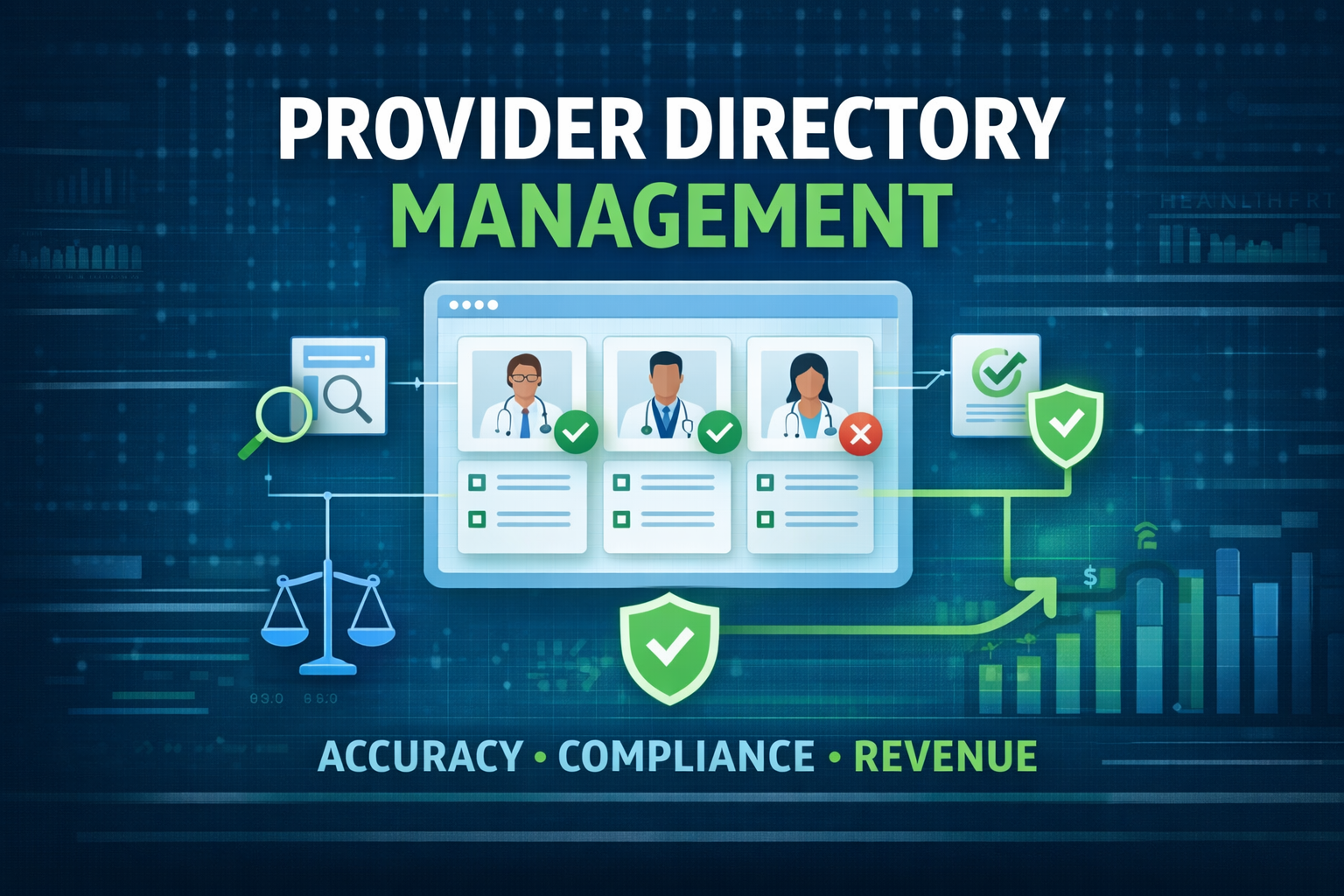
Reconcile payer responses with your provider directory to avoid network or participation mismatches. Schedule regular directory audits with credentialing systems and feed corrections back to scheduling and claims teams. For forward-looking directory strategies, see HL7’s NDH FHIR guide (FHIR NDH guide) and CAQH directory tools (CAQH ProView).
Use a simple monthly report that shows mismatches, pending updates, and the number of claims impacted by directory errors.
How to build a practical verification workflow
Below are concrete steps to operationalize the model. Assign owners, add proof capture, and set risk thresholds.
Step 1 — Pre-visit verification process
Who runs it: front-desk staff or a dedicated eligibility specialist. When: 48–72 hours pre-visit for scheduled appointments.
Fields to verify: patient demographics, subscriber relationship, effective dates, plan type, deductible status, and prior-authorization needs. Use a short patient call to confirm secondary coverage and gather any missing card images.
A micro-case: Dr. Sarah schedules a knee MRI. The eligibility specialist runs the check 3 days prior, finds the MRI needs authorization, and secures it. No denial. Small actions like this save thousands.
Step 2 — Real-time payer checks and documentation
Run live eligibility checks via payer portals, clearinghouses, or API endpoints during scheduling and registration. Save proof: screenshots with timestamps, portal confirmation IDs, or EDI 270/271 responses attached to the chart.
CMS describes appropriate use of 270/271 transactions for eligibility checks, which is useful if you’re working with Medicare or building EDI flows (CMS Eligibility inquiry). For developer-friendly docs on parsing 271 responses, reference Stedi (Stedi 271 reference).
Tag verification status in the EHR so claims can’t be submitted until required checks are complete. Keep the audit trail for appeals.
Step 3 — Pre-claim validation and claim scrub
Before transmission, run automated scrubs that compare claim data to verified benefits: auth numbers, in-network status, patient liability, and service exclusions. Implement a simple denial-risk score that flags claims needing manual review.
Hold-and-resolve workflow: flagged claims go to an RCM analyst who fixes items, secures missing authorizations, or updates billing codes. This step cuts avoidable denials significantly.
Step 4 — Managed-service option and pilot metric
If staffing limits or systems gaps slow you down, consider a managed verification pilot. A managed service can automate payer checks, maintain provider directories, and handle peaks in demand. Use the article’s checklist during the pilot and measure outcomes.
Illustrative pilot metric: in a pilot scenario, HealthyFort Services helped a client drop denied-claim rate from 7% to 2% and cut time-to-payment by 25% (illustrative example). Use that as a ballpark metric for what a focused pilot can deliver. For a practical checklist to scope your pilot, see MBW RCM’s eligibility checklist (MBW RCM checklist).
Common mistakes and quick fixes
- Outdated provider directory info. Fix: schedule monthly directory audits, reconcile with credentialing, and use CAQH DirectAssure to automate outreach (DirectAssure blog).
- Skipping pre-service rechecks. Fix: enforce a 48-hour re-verify for all scheduled procedures. Automate reminders.
- Poor authorization documentation. Fix: require a screenshot or portal confirmation stored in the chart. Tie that proof to the claim. See CoverMyMeds for best practices (CoverMyMeds guide).
- Reliance on spreadsheets. Fix: move to structured EHR fields or a centralized eligibility dashboard. Availity offers onboarding resources to help teams adopt workflows (Availity resources).
- Not tracking verification KPIs. Fix: create a dashboard for denied-claim rate, A/R days, and verification completion rate and review weekly.
For a wider list of common errors and fixes, RCM Streamline’s guide is practical and up-to-date (RCM Streamline).
Conclusion — Next steps and takeaways
Consistent, documented insurance and benefit verification is one of the highest-return levers you can pull to reduce denials and protect patient experience. Do the basics well: standardize intake, confirm coverage before service, document proof, and run a pre-claim scrub.
Action plan: run a 30-day pilot using the checklist above, measure denied-claim rate and days in A/R, and decide whether a managed verification pilot is right for scaling the gains. If you need a partner to run a focused pilot, choose one that shows before/after metrics and clear audit trails.
FAQs — Quick answers to common questions
- How often should coverage be re-verified for recurring patients?
Re-verify at scheduling and again 48–72 hours before the appointment for recurring or high-cost services. - Do eligibility checks guarantee payer payment?
No. Eligibility checks confirm coverage at a point in time. Coding, medical necessity, and claim edits still affect adjudication. - What documentation suffices for authorization proof?
Screenshots with timestamps, portal confirmation IDs, or EDI responses attached to the chart are standard. - What minimal team roles run verification reliably?
Front-desk staff, an eligibility specialist, and an RCM analyst for pre-claim scrubs. - How do you calculate ROI from verification improvements?
Compare baseline denied-claim rate and A/R days to post-change figures. Multiply the denied-claim reduction by average claim value to estimate recovered revenue. - How should you prioritize high-risk payers or plans?
Rank payers by historical denial rate and reimbursement lag. Focus verification resources on the top 20% that drive most denials.
Further resources: CMS eligibility guidance (CMS 270/271), CAQH ProView (CAQH ProView), Availity onboarding (Availity resources), and a short tutorial on eligibility best practices (YouTube tutorial).