Introduction — Why this guide matters
Wrong addresses cost revenue.
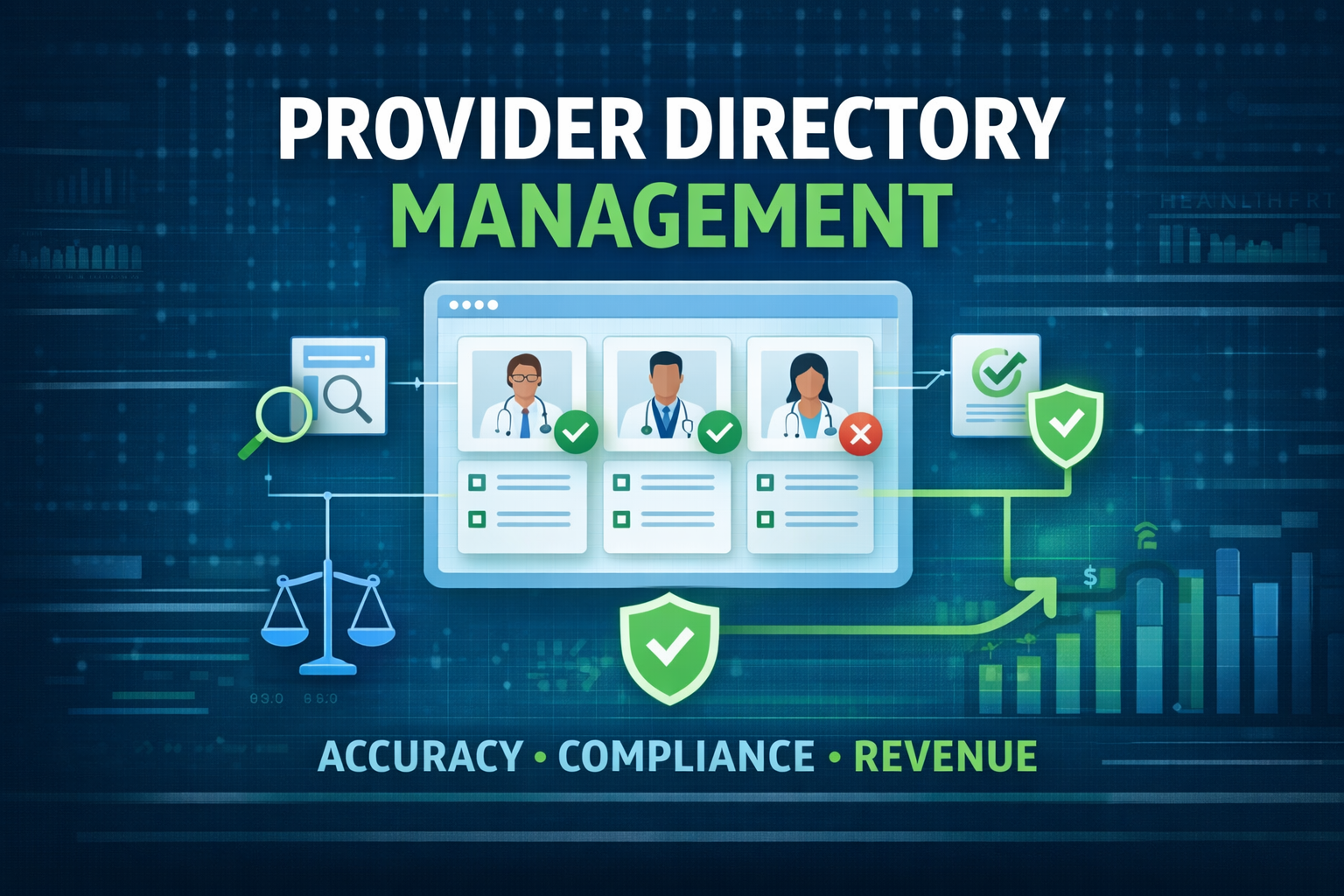
Inaccurate provider directory information drives patient frustration and regulatory risk. This guide explains how real‑time provider directory updates improve network efficiency and patient experience.
Read on for the problem, a practical REAL‑TIME framework, a 6‑month implementation roadmap, measurable KPIs, and where HealthyFort Services fits as a hands-on partner.
Directory errors and their real costs
When listed doctors show wrong addresses, phone numbers, or specialties, patients arrive at the wrong clinic or can’t schedule care. That creates no‑shows, lost visits, and extra workload for schedulers.
Call centers shoulder the fallout. A high volume of lookup calls crowds out complex tasks. That raises labor costs and slows patient service.
Regulatory exposure is rising. CMS now enforces provider directory accuracy for Medicare Advantage plans, with specific update and attestation rules. Teams should read the CMS provider directory final rule to understand timelines and requirements. CMS provider directory final rule
Bad directory data also affects revenue. Misrouted referrals and incorrect location codes delay billing and can contribute to denials or slower reimbursement. Operationally, credentialing, billing, and IT teams spend hours reconciling conflicting lists instead of solving upstream issues.
Industry groups and analyst notes frame the problem. The American Hospital Association provides research on operational burdens, and analyst firms like Forrester publish benchmarks for data quality investments. Use these sources when building your business case. AHA research & resources, Forrester research on healthcare data quality
Root causes are straightforward: fragmented sources, timing mismatches, and mapping errors. EHRs, credentialing systems, claims feeds, and provider self-service portals all can diverge. The HL7 FHIR standard offers a consistent model to align these resources. HL7 FHIR provider resources
Short example: A clinician moves locations. Credentialing updates next month. Meanwhile, the website and call center continue publishing the old address. A patient arrives at the wrong clinic and the scheduler files a complaint. That single mismatch ripples across billing and operations. The fix can be small. But the impact is immediate.
Add one human line: “Our scheduler spent three hours on one case last week,” said a revenue manager. Small stories like that make the cost real.
Root causes and compliance gaps
Data sources change at different tempos. HR or credentialing may update monthly, while practice relocations need same‑day changes. Manual entry creates typos. Different systems use different taxonomies or location codes. These mapping gaps are the main driver of directory errors.
State laws vary on update frequency and penalties. Build a compliance matrix that lists each state’s rules plus CMS obligations. State Medicaid contacts and sites will help when mapping requirements. Medicaid state agency directory
For technical teams, open-source and vendor references show implementation patterns. Look at FHIR examples in OpenEMR for practical guidance on Practitioner endpoints. OpenEMR FHIR Practitioner examples
Example scenario with dialogue:
- IT lead: “If we update nightly, how do we avoid overwriting edits?”
- Credentialing: “We can flag provider edits as pending until verified.” This short exchange highlights the friction and the governance fix.
Root causes checklist:
- Fragmented feeds (EHR, claims, credentialing).
- Timing mismatches.
- Mapping differences (taxonomies, location codes).
- Manual entry errors.
Act on the checklist. Start with the highest-volume clinics. That yields quick wins and momentum.
REAL‑TIME framework: Five pillars
REAL‑TIME is a concise sequence to restore continuous accuracy: Reconcile, Enrich, Automate, Link, Test. Use this framework to move from reactive cleanups to steady‑state accuracy.
Below is a compact checklist per pillar, plus where HealthyFort Services integrates.
Pillar 1 — Reconcile all source systems
Inventory every provider data source: Epic or Cerner, credentialing, claims, provider portal, HR, and third‑party directories. Map critical fields: NPI, taxonomy, address, phone, hours, clinic location codes.
Run a 30‑day reconciliation sample to measure mismatch rates. Use MDM or dedupe scripts to identify canonical records. Enterprise data‑quality tools are useful for this work. Informatica data quality & MDM
Actionable tip: Start with high-volume practices. Reconcile primary care and top-referring specialties first. That yields quick wins.
Micro-example: Reconcile 200 primary care records. If 30% mismatch, prioritize those clinics for a pilot connector.
Pillar 2 — Enrich with authoritative feeds
Automate lookups against NPPES to validate NPIs and basic practice data. Tie state licensure APIs when available for license status checks. NPPES / NPI Registry
Enrich addresses using postal and geocoding services so online search and directions point correctly. Google’s Address Validation API and USPS CASS tools are practical choices. Address Validation API (Google Maps) | USPS address APIs & CASS guidance
Log the provenance of each enrichment step. A clear audit trail matters for compliance and dispute resolution.
Why this matters to patients: accurate geocodes get people to the right clinic. Accurate NPIs and license checks reduce downstream denials tied to provider status.
Pillar 3 — Automate updates and triggers
Design event‑driven flows so HR, credentialing, or claims events trigger near‑real‑time directory updates. Use FHIR resources when integrating with modern EHRs; Epic offers FHIR developer resources for connector planning. Epic on FHIR sandbox & docs
Build a staging area with automated validation rules: NPI check, license validity, address format, taxonomy match. Only publish records after passing validations.
Set SLAs for update latency. A practical target: publish high‑priority field updates within 24 hours.
Pro tip: Instrument parallel runs during initial pilots so staff can compare legacy vs. new outputs without risking patient-facing errors.
Concrete automation trigger example:
- Provider address change in HR → evented message to staging → validation → publish after human sign-off if needed.
Pillar 4 — Link systems and surface changes
Create one canonical provider record other systems consume. Use read/write APIs and a publisher/subscriber model so the website, call center, scheduling, and payer feeds read identical data.
Provide authenticated provider self‑service but require verification steps before changes are published. That reduces friction while preserving governance.
Address validation vendors like Smarty are useful for mailable addresses and standardization. USPS/CASS address validation (Smarty)
Analogy: Think of the canonical record as a single GPS for provider data — every system follows the same directions.
Pillar 5 — Test, monitor, and audit continuously
Run daily automated checks: phone format validation, address geocoding checks, NPI/license status, and sample patient searches. Schedule monthly audits and simulated patient journeys to validate search results end‑to‑end.
Track core KPIs: discrepancy rate, update latency, directory‑related call tickets, appointment no‑show rate tied to directions, and claim denials linked to provider data.
Use monitoring tools to catch API errors and latency issues early. Sentry monitoring for integrations helps track reliability.
Publish monthly SLA and audit reports for compliance and executive teams.
Quick checklist per pillar:
- Reconcile: inventory + 30‑day sample.
- Enrich: NPPES + geocoding.
- Automate: event triggers + staging rules.
- Link: canonical record + APIs.
- Test: daily checks + monthly audits.
HealthyFort integration note: HealthyFort Services can run reconciliation, stand up FHIR connectors, and produce compliance-ready audit reports to accelerate pilots. Ask for the Provider Directory Readiness Checklist to prepare your environment.
6‑month implementation roadmap
Use a phased approach: Assess (weeks 1–4), Pilot (weeks 5–12), Scale (months 3–4), Optimize (months 5–6). Assign owners from IT, credentialing, billing, and call center.
Phase 1 — Assess and prioritize (weeks 1–4)
Deliverables:
- 30‑day reconciliation and baseline discrepancy rate.
- Regulatory compliance matrix (CMS + states).
- Prioritized pilot cohort (high-volume practices).
Use the CMS provider directory audit checklist to structure your activities. Provider directory audit checklist
Practical assessment step: produce a one‑page brief with top 5 discrepancies and the estimated weekly staff hours spent reconciling them.
Phase 2 — Pilot integrations (weeks 5–12)
Pilot scope example: integrate the EHR (Epic/Cerner) and credentialing source for a subset of clinics. Run a 4–6 week parallel operation to compare outputs. Instrument KPIs: call‑center tickets, no‑shows, and discrepancy counts.
Benchmark pilots against published case studies to shape expectations. Kyruus provides examples of centralizing provider data and realizing staff-effort reductions. Automating provider data management — Kyruus case study
HealthyFort plug (soft and human): HealthyFort Services can run the reconciliation and pilot connectors to shorten setup time and reduce the manual load on your team. If your IT lead is short on capacity, HealthyFort’s team can handle the connector build and the pilot comparison reports. Ask for the Provider Directory Readiness Checklist to prepare your environment.
Phase 3 — Scale and govern (months 3–4)
Roll connectors to claims, payer feeds, website search, and scheduling. Formalize governance: appoint data stewards, set monthly QA cycles, and create an escalation path for disputed records.
Adopt provider verification flows and communication templates to speed provider buy‑in. Establish a change‑control board for taxonomy and policy updates.
RACI reminder:
- R: IT integration lead, credentialing manager.
- A: VP of revenue cycle or compliance officer.
- C: Call center director, provider relations.
- I: Finance and clinical operations.
Phase 4 — Optimize and report (months 5–6)
Automate compliance attestations and monthly reporting. Use KPI trends to target next rounds of improvement. Publish SLA performance to leadership and compliance teams.
Optimization tasks:
- Tune validation rules to reduce false rejects.
- Expand provider self‑service with stricter verification gates.
- Use trend reports to drive targeted training for high-error practices.
Business impact, KPIs, and ROI
Real‑time directories improve patient experience, reduce call‑center load, and lower compliance risk. Key KPIs to measure:
- Discrepancy rate (pre/post).
- Update latency (hours).
- Directory‑related call tickets.
- Appointment no‑show rate.
- Claim denials tied to provider data.
Simple ROI approach:
- Add monthly cost of directory‑related call tickets + staff hours spent reconciling.
- Estimate savings from a realistic reduction in tickets and fewer missed visits based on pilot results.
- Calculate months to payback.
Mini example (ballpark calculation):
- Weekly call tickets tied to directories: 400.
- Average handling time: 8 minutes → 53 staff hours/week.
- Fully burdened staff cost: $45/hour → $2,385/week → $9,540/month. If a pilot reduces tickets by 40%, monthly savings ≈ $3,816. Factor in fewer missed visits and reduced denial risk for additional upside.
For real-world comparators, Kyruus and Geisinger case studies show measurable UX and operational improvements after centralizing provider data. Geisinger provider directory case study
HealthyFort vignette (anonymized example) A mid‑sized hospital faced high discrepancy counts and rising caller complaints. HealthyFort implemented the REAL‑TIME steps: reconciliation, NPPES enrichment, and FHIR-based EHR connectors. Over the pilot, directory-related tickets fell and staff regained hours previously spent on manual fixes. If you want the readiness checklist and a demo of how this maps to Epic or Cerner, HealthyFort can provide a tailored plan.
Vendor selection checklist
- Proven Epic/Cerner integrations and FHIR experience. Epic on FHIR sandbox & docs
- Reconciliation and audit capabilities. Informatica data quality & MDM
- Clear SLA on update latency and error resolution.
- Demonstrated reporting for CMS and state audits.
For market context and buyer guidance, Becker’s Hospital Review offers vendor guides and comparisons. Becker’s guide to provider search and vendor selection
Conclusion — Immediate next steps
Run a 30‑day reconciliation to get a baseline. Pick a pilot cohort and map state/CMS requirements.
If you want a practical starting pack, download the Provider Directory Readiness Checklist or schedule a HealthyFort demo to test the REAL‑TIME framework against your Epic/Cerner setup.
Do the 30‑day reconciliation. You’ll get a clear baseline and a fast path to cut tickets and regain staff hours.
FAQs — Common questions answered
1) How often should directories be updated?
- High‑priority fields (status, location, phone): near real‑time (within 24 hours). Lower‑impact fields: daily or weekly.
2) What systems must integrate for success?
- EHR (Epic/Cerner), credentialing, claims, provider portal, call center, and payer feeds.
3) How do we prove compliance to auditors?
- Keep audit trails, enrichment provenance, change logs, and monthly reconciliation reports. Use the CMS checklist as your template. Provider directory audit checklist
4) How long until we see ROI?
- Expect initial signals in the pilot phase and tangible ROI within 3–9 months, depending on baseline error rates and scope.
5) Can providers self‑manage their listings?
- Yes, but add verification steps and governance gates before publishing.
6) What technical standards should we use?
- Use HL7 FHIR for APIs and NPPES for authoritative identifiers. HL7 FHIR provider resources, NPPES / NPI Registry
7) How does HealthyFort help?
- HealthyFort Services offers reconciliation engines, FHIR/EHR connectors, and compliance‑ready reporting to reduce directory errors and related operational load. Request the readiness checklist or a demo to see an integration plan for Epic/Cerner.