Introduction — Why this guide matters
Directories are failing patients.
Recent investigations show massive inaccuracies: New York’s AG found 86% of mental-health listings wrong, and federal audits highlight “ghost” providers that trigger enforcement. NY AG report and the HHS OIG confirm the risk. OIG report (2025)
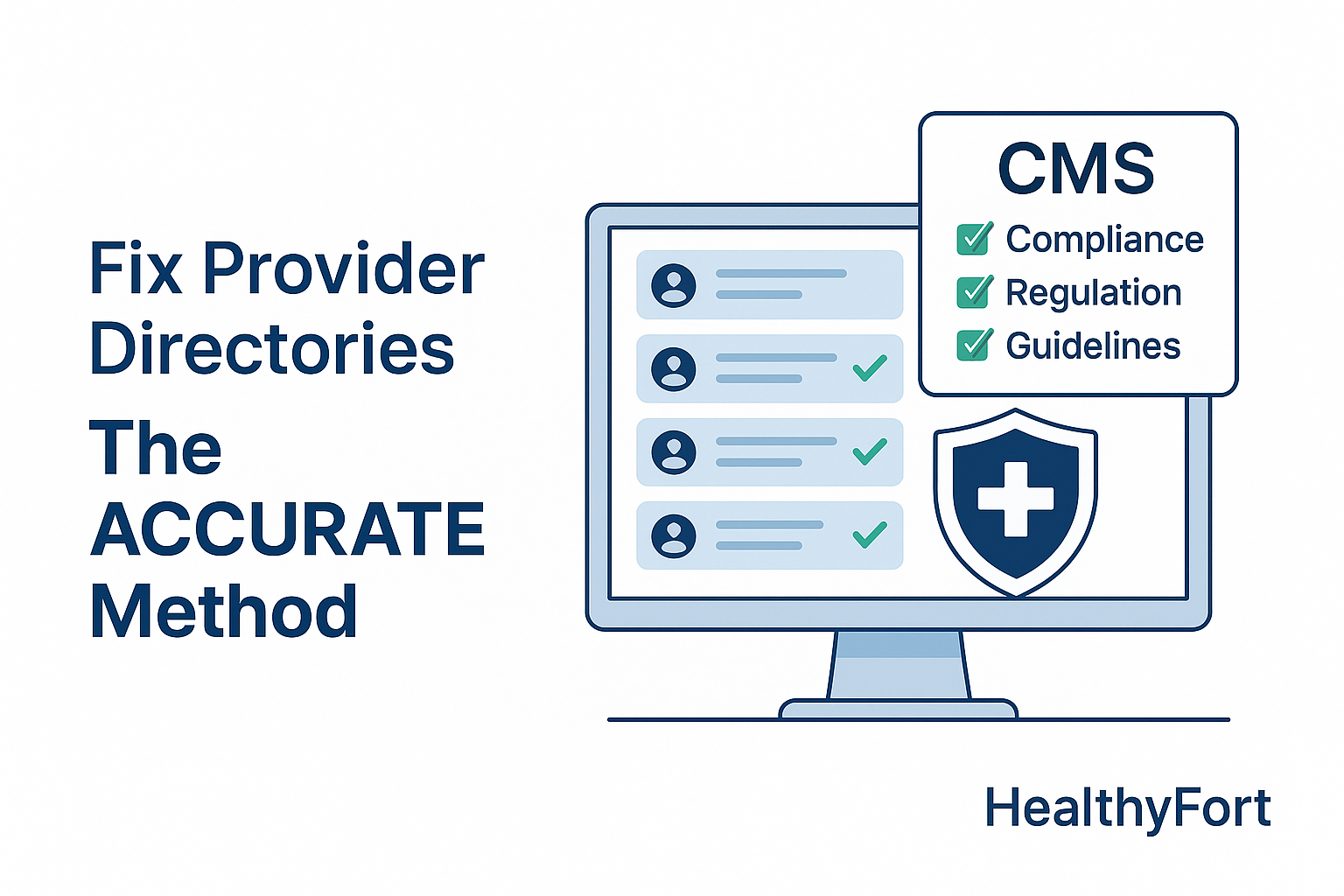
This guide teaches the ACCURATE method to fix provider directories, meet CMS guidelines, and restore patient trust. Read on for rules, root causes, a step-by-step remediation plan, and a short ROI example you can use with leadership.
CMS provider rules and compliance context
What CMS requires and why
CMS expects payers and MA plans to publish accurate provider directories and update critical fields promptly. The Provider Directory API guidance lists required fields and a 30‑day update window for many entries. See the official CMS Provider Directory API guidance: CMS Provider Directory API FAQ.
CMS also published a technical implementation guide for MA directories that includes FHIR Plan‑Net examples and sample bundles. Use that when mapping feeds: CY2026 Technical Implementation Guide (MA).
Failing to comply can trigger audits, corrective action plans, and financial penalties. Treat directories as regulated data, not marketing pages.
Why accuracy matters for patients and payers
Wrong listings block access to care. Patients call, can’t book, and switch plans. Payer call centers see higher volumes, and audits find inactive or unreachable providers, which damages reputation.
Government reviews and secret‑shopper studies show appointment success rates that are shockingly low when directories are stale. See the Senate Finance Committee secret‑shopper study: Senate secret‑shopper study.
Accurate directories cut member frustration, reduce call costs, and limit audit exposure.
Practical compliance checklist you can use
- Required fields: provider name, NPI, specialty, practice address, phone number, credentialing status, accepting‑new‑patients flag. Cross-check with NPI.
- Verification cadence: real-time checks for phone/address/status; 30/60/90‑day reconciliations for credential fields.
- Authoritative sources: NPI registry, state licensure databases, internal credentialing system, and claims. Use these links: NPI Registry, NPPES bulk guidance, and the Plan‑Net spec: DaVinci PDex Plan‑Net.
Root causes of directory inaccuracy
Data collection failures and fixes
Providers submit inconsistent information. Teams use spreadsheets. That combination creates missing fields and typos.
Fix it: standardize intake forms with mandatory fields. Add a provider self‑service portal so clinicians update contact and schedule info directly. Use the NPPES guidance to instruct providers how to update data: NPPES guidance.
System and integration gaps
Siloed systems (EHR, credentialing, claims) create conflicting records. One‑off scripts and late syncs leave stale entries public.
Map flows and log synchronization failures. Implement API-driven feeds and event-based updates using Plan‑Net where possible. The Plan‑Net IG explains the expected FHIR patterns: Plan‑Net implementation guide.
Operational and governance failures
No single owner. No SLAs. No escalation path. That’s how directories decay.
Assign a directory owner. Set SLAs for updates. Publish workflows and KPIs. Train staff quarterly and document escalation paths. Measure accuracy, time-to-update, and audit pass rate.
Step-by-step framework: The ACCURATE method
Introduce the ACCURATE method to structure remediation and governance. Bold each letter when introduced: Assess, Consolidate, Clean, Utilize automation, Review, Align governance, Track KPIs, Engage providers.
Step 1 — Assess and audit
Run a sample audit of 10% of listings across specialties and geography. Compare directory entries to claims and the NPI registry. Calculate baseline metrics: accuracy %, top error types, and average time-to-update.
Use an independent validation or a developer script calling the NPI API for an unbiased check: NPPES API docs. Document results and prioritize fixes.
Step 2 — Consolidate data sources
Create a master feed that merges EHR, credentialing, and claims. Map field-level differences and declare the authoritative source for each field.
Prioritize reconciliations for high-impact fields first (address, phone, accepting-new-patients). Use event-driven syncs and Plan‑Net bundles for payers needing machine-readable feeds. The CY2026 guide includes sample bundles for testing: sample FHIR bundle.
Step 3 — Clean and correct
Triage corrections by impact. Fix high-traffic providers, then correct specialty and address mismatches. Use batch corrections for systemic errors and scripted outreach for entries that need provider confirmation.
Document every change and run a post-clean sample audit to verify gains. For integration help, consider federated network models like Avaneer Health as an interoperability example: Avaneer Health.
Step 4 — Utilize automation and controls
Automate recurring verifications: scheduled jobs that check address and phone against NPI or third-party sources. Implement validation rules to block poor data.
Set up dashboards that surface failed updates and send alerts. Developer tools like the rOpenSci NPI package can help teams prototype automated lookups: rOpenSci NPI package.
Step 5 — Review, measure, and report
Track these KPIs monthly: directory accuracy %, member lookup complaints per 1,000 lookups, audit findings, and average time-to-update. Produce a one-page scorecard for executives and a quarterly review cadence.
Sample dashboard layout (three measures):
- Accuracy % — target 98%
- Member lookup complaints per 1,000 — trend line
- Average time-to-update — days
Step 6 — Align governance and train
Assign clear responsibilities, SLAs, and escalation paths. Train staff on workflows and use playbooks for provider outreach. Regular training turns one-off fixes into sustained practice.
Step 7 — Track and engage providers
Keep providers in the loop with easy self-service updates and monthly digest emails. Fast provider confirmations reduce manual follow-ups and speed corrections.
Step 8 — Evaluate and iterate
Re-run the audit quarterly and refine rules. Use CMS pilots and national directory initiatives to plan long-term improvements: CMS QHP directory pilot and CMS RFI on National Directory.
Remediation, ROI, and how HealthyFort helps
Cost of inaction — ballpark calculation (hypothetical)
Hypothetical example: A payer averages 10,000 provider‑lookup calls monthly. If directory errors cause 15% unnecessary calls and average call cost is $8, annual avoidable cost = 10,000 * 12 * 0.15 * $8 = $144,000. Add potential audit fines or settlements to that figure to present to CFOs. Use CMS and OIG findings as input points for your model: OIG report.
How HealthyFort supports remediation
HealthyFort Services delivers a practical provider directory program: master-feed consolidation, automated validations, Plan‑Net‑ready feeds, and audit support. We combine technical integrations and governance playbooks so your team reduces call volume, lowers audit findings, and speeds updates.
This is a recommended next step to pilot the ACCURATE method on a subset of providers and measure savings before scaling.
Quick implementation checklist
- Run a 30‑day sample audit.
- Assign a directory owner and set SLAs.
- Consolidate master feed and map authoritative fields.
- Prioritize fixes for high-traffic providers.
- Automate recurring verifications.
- Schedule monthly scorecards and quarterly executive reviews.
Conclusion — Key takeaways and next move
Accurate provider directories are an easy-to-capture compliance and member‑experience win. Follow the ACCURATE method to reduce audit risk and improve patient access.
Run a 30‑day sample audit and produce a simple ROI slide for your CFO. If you want an experienced partner to pilot the process, consider HealthyFort Services for consolidation, automation, and audit readiness.
FAQs
Q: What fields does CMS commonly audit?
A: Provider name, NPI, specialty, address, phone, credentialing status, and accepting‑new‑patients — verify these monthly with authoritative sources like NPPES.
Q: How often should directories update?
A: Real-time for phone/address/status; 30/60/90-day reconciliations for credentialing and specialty changes.
Q: Can automation replace manual checks entirely?
A: No. Automation handles routine updates and flags anomalies, but periodic manual audits are necessary for complex credential changes.
Q: Which KPIs show real improvement?
A: Directory accuracy %, member lookup complaints per 1,000, and audit pass rate.
Q: How long does remediation take?
A: Pilot remediation: 30–90 days. Full rollout and governance: 3–6 months depending on integrations.
Q: How do I prove ROI to the CFO?
A: Build a simple model using current call volumes, call cost, error rate, and potential fines. Use CMS and OIG data as anchors for conservative estimates.
External resources referenced: CMS Provider Directory API FAQ, CY2026 MA Technical Guide, NPI Registry, NPPES API docs, Plan‑Net IG, OIG report, NY AG report, Senate secret‑shopper study, Avaneer Health, rOpenSci NPI package, and CMS QHP directory pilot.